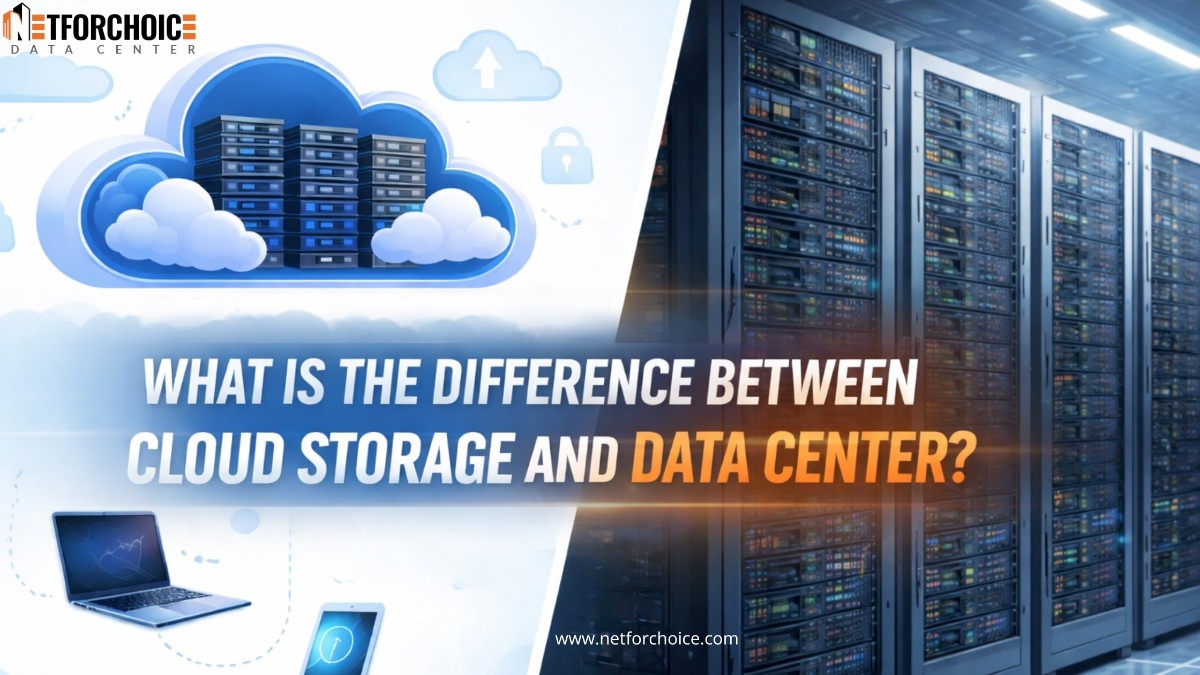
What is the difference between cloud storage and data center?


Information has silently made its way into our everyday existence. Your ordering food online, storage of office documents, virtual meetings, and business dashboard all hinge on data being instantly and securely available. However, behind this smooth digital experience, there is a critical question that most people never pause and consider: where are all these data actually stored?
It gets even more critical in 2026, when companies are processing data like never before and speed, security, and accessibility become the most important. That is where the debate on cloud storage and data center starts.
You do not need to worry as long as you are not technical. This blog has been specifically targeted at the beginners. We will present each concept in simple, easy-to-understand terms, compare them, and offer you an opportunity to know which of the two options is more reasonable in your case in 2026.
What Is Cloud Storage?
Cloud storage refers to the act of having your data stored on the internet rather than on your personal computer or office server.
Cloud service providers store your files on remote servers, and you can have access to them wherever you are through the internet on your laptop, phone, or tablet.
What Is a Data Center?
A data center is a physical site where servers, storage systems, and networking equipment are stored.
Companies either:
- Construct their own data centers, or
- Rent space in a third-party data center
All the data are stored and managed at a single physical location, and hardware, security, power, and cooling are maintained by the company.
One can think of a data center as a highly secured room having powerful computers operating 24 hours.
Data Center vs Cloud Storage: Major Differences
- Infrastructure Type
Cloud Storage
Has virtual infrastructure in use. The physical servers are not seen or managed. The cloud provider takes care of everything.
Data Center
Involves physical servers, storage devices, and networking equipment, which require installation and maintenance.
- Location
Cloud Storage
The information is saved in several remote places (data centers) on a global scale. The location is not something you have to know.
Data Center
The data is stored in a single physical location of the choice of the company.
- Scalability (Ability to Grow)
Cloud Storage
Extremely flexible. Storage can be added or removed at any point, and it only takes a few clicks.
Data Center
Scaling involves purchasing hardware and setting up and servicing hardware, which is time-consuming and expensive.
- Cost
Cloud Storage
Typically based on a pay-as-you-use system. No heavy upfront investment.
Data Center
Expensive start-up costs of servers, infrastructure, electricity, air conditioning, and information technology personnel.
- Security
Cloud Storage
Provides enhanced security services such as encryption, backups, and recovery from a disaster. But the security is in the hands of the provider.
Data Center
Complete access to security practices, such as physical access and policy inside.
- Accessibility
Cloud Storage
It is available anywhere as long as one has access to the internet.
Data Center
Normally accessed via office systems or private networks.
Advantages of Cloud Storage
- No need to buy or maintain hardware
- Easy access from anywhere, anytime
- Highly scalable as business grows
- Lower upfront costs
- Automatic updates and backups
- Remote teams and online businesses are their best fit.
Advantages of Data Centers
- Complete data and infrastructure control.
- Individual security and compliance policies.
- Guaranteed performance and committed resources.
- Appropriate for sensitive data or controlled data.
- More suitable to organizations having in-house IT teams.
Why Cloud storage is the better option for most companies in 2026
- Perfect with startups: Does not require investment in servers and the physical infrastructure to run the business.
- Ideal for small and medium businesses: Minimizes the hassle of software hardware, security, and maintenance management.
- Best when using remote-first and hybrid teams: Enables access to the files wherever they are, and it enables employees to collaborate without interruptions.
- Very scalable and flexible: Lets businesses expand or reduce storage in real time when they require more or less data.
- Affordable for expanding companies: Adheres to a pay-as-you-use system, which assists in managing costs and budgets.
Why Data Centers Still Make Sense for Certain Organizations
- Appropriate in large businesses
Big companies favour data centers as it is possible to have full control over infrastructure and predictable performance over heavy workloads.
- Favoured by financial institutions and government
These industries rely on data centers to address the high legal, regulatory, and data sovereignty standards.
- More suitable when dealing with very sensitive information
Companies dealing with highly sensitive data are more comfortable storing data on their own premises.
- Strict compliance requirement
Data centers make certain that data remains at a fixed geographic site, which assists organizations in meeting industry and regional regulations.
- Regularity of critical systems
Data centers have dedicated hardware that provides stable, steady performance to mission-critical applications.
Choosing the Right Solution for Your Business
As long as you are not quite sure about the best fit within your business, there is no need to be worried. The decision to use a cloud or a data center may be baffling. All that it takes is to know what you need to store in your business and then find the right storage solution. These are some of the few crucial factors to consider prior to a decision:
- Size of Your Organization
- Startups or small businesses typically handle a small volume of data and tend to have cloud storage because of its ease and reduced prices.
- Big companies are more likely to produce and accumulate huge amounts of data and might need a more restrictive option, which is a data center.
- Scalability and Flexibility
- Cloud storage is also flexible, and as your needs vary, you can easily increase or decrease storage.
- Data centers are more inflexible, and adding storage typically requires buying new equipment and setting it up.
- Backup and Automation Functionality
- The best storage should be one that supports automatic backup to minimize the chances of losing data.
- Using manual processes leads to more risk of a human error, like missing or not making all the necessary backups.
- Cost and Budget
- Cloud storage is usually associated with some form of monthly or annual payments, which are simpler to handle for most companies.
- Data centers need greater initial investment in infrastructure, maintenance, and technical personnel.
Final Thoughts
Cloud storage is also controlling the market in 2026 since it is flexible, cost-effective, and easy to use. Simultaneously, data center are still useful to those companies that require control, personalization, and high-order security.
Prior to making a selection, consider the size of your business, budget, sensitivity of your data, and future growth plans. A good choice today will save you time, money, and stress tomorrow.